
The setup is always the same.
A couple books a rural stay because they want “real Europe.” A stone house, a quiet village, maybe a vineyard view. They land, grab a rental car, and type the address into Google Maps like they’ve done their entire adult life.
It looks fine.
Then the road gets narrower. The phone drops to one bar. The blue dot starts drifting. The app insists they’ve arrived, but they’re sitting next to a locked gate in the middle of nowhere. Or worse, the app keeps routing them onto a “shorter” track that turns into mud, then into nothing.
Thirty minutes later they’re sweaty, low on fuel, and trying to explain their location to someone on the phone using a landmark like “the third olive tree after the abandoned tractor.”
This is not because Europe is confusing.
It’s because Americans keep making one specific mistake: they trust an address search result without verifying the exact location pin. In rural Europe, that is how you get stranded.
The mistake: choosing an address, not a location
In the U.S., typing an address usually means you end up at a building.
In rural Europe, typing an address can mean you end up at the center of a village, the entrance to a property, a neighboring hamlet, or a random stretch of road with the same street name in the next municipality.
The most common stranding mistake is painfully basic: people tap the first autocomplete suggestion and hit Start. They never confirm the map is pointing to the correct gate, driveway, or building.
This fails for three reasons:
- Autocomplete prioritizes something that looks “complete,” not something that is correct.
- Rural addresses often lack tight numbering and standardized placement.
- Many streets share the same names, and Google will happily choose the wrong town if you don’t force it.
If you remember one thing, it’s this: the address text is not the destination. The destination is the pin.
A booking that says “Rua do Poço, nº 12” can exist in multiple places. A “Calle Real” can exist in half the country. In small towns, people rely on local knowledge, not algorithmic certainty.
When Americans trust autocomplete without checking the pin, they aren’t making a small error. They’re letting the app choose the municipality for them.
That’s how you end up stranded, even with “perfect directions.”
Rural Europe does not behave like suburban America
A lot of rural Europe doesn’t have the kind of grid-based, number-perfect logic Americans subconsciously assume.
In parts of Spain and Portugal, an address can be a neighborhood name, a locality name, a property name, a kilometer marker, or a descriptive reference that locals understand and apps struggle to place.
You’ll see formats like:
- A road name plus km 3.2
- A locality name plus “s/n” (sin número, no number)
- “Diseminado” or similar rural descriptors that behave more like “somewhere out there” than “house number 14”
- A house name used as the primary identifier, especially outside dense centers
- A parcel that exists clearly in municipal records, but is fuzzy in consumer map datasets
None of that is wrong. It’s just a different system.
In practice, rural navigation runs on three anchors:
- a location pin shared by the host
- a recognizable entrance or gate
- local signage that may not match what your app calls the road
Americans often get stranded because they keep searching for a street sign that isn’t there, or they assume the house number will be visible from the road.
In many rural areas, the number is on the mailbox five minutes away, or it’s painted on a gate you can’t see at night, or it exists on paper but not in the physical world.
So the right mental model is: you are navigating to a property entrance, not a house address. And the only reliable way to do that is to navigate to a location marker, not a string of text.
If you’re booking rural stays, ask for a shared pin or coordinates upfront. Do not treat that as being high-maintenance. Treat it as basic survival.
Three ways Google Maps fails in the countryside
Google Maps is excellent at most urban navigation. Rural Europe exposes its weak spots.
Here are the three failure modes that matter most, and why each one strands people.
1) Duplicate names and the “wrong town” problem
Many countries reuse the same street names endlessly. That’s not a bug, it’s history.
So if you type a street name and number without the correct municipality, Google may send you to the wrong version of that street in the wrong town. And it can look plausible until you’re committed.
This is where Americans get trapped by confidence. The app is calm. The voice is calm. The route looks normal. Then you arrive at “number 12” and it’s a warehouse, or it’s a different person’s house, or it’s a street that stops at a field.
The fix is simple: verify the town and postal code, then zoom in and confirm the pin is placed at a specific building or gate, not just “somewhere on this road.”
2) Centerpoint geocoding and “close enough” placement
When a precise address point is missing or ambiguous, mapping systems can fall back to an approximate location, like the middle of a postal code area or the center of a locality.
That’s how you get the classic “arrived” message while you’re still a few kilometers away. In a city, that’s annoying. In the countryside, it can put you on the wrong side of a river, or at the wrong entrance, or at a dead-end track.
If the destination pin is sitting in the middle of nowhere with no building footprint visible, that’s your warning sign. Approximate location is how people end up at gates they can’t open, or on farm roads they shouldn’t be on.
3) Routing errors and the “shortest route” temptation
Google likes efficient routes. Rural Europe contains roads that are seasonal, narrow, unlit, and occasionally a bad idea for anyone without local knowledge.
Sometimes the risks are serious. Spain had a widely reported case in 2025 where a car accident in the Lunada pass was linked to a navigation route that guided drivers via the shortest path, a road that can be closed in snow conditions.
And sometimes the issue is not danger, it’s disruption. In Germany in 2025, Google Maps falsely showed widespread road closures, pushing drivers off major roads and into smaller routes, creating chaos and delays.
The common thread is the same: relying on one routing engine, without context, can send you into conditions you didn’t agree to.
In rural Europe, you don’t want the cleverest route. You want the most boring route.
That’s the mindset shift that prevents stranding.
The second mistake that finishes the job: losing service and battery
Even if you picked the right destination, rural Europe has a second, very ordinary trap: your phone stops being a reliable navigation device.
Dead zones happen. Roaming gets weird. The car charger is flaky. The phone overheats on the dashboard. You miss one turn and now the app is recalculating through a network that barely exists.
This is why “we got stranded” stories often include the same detail: the signal dropped and the map stopped updating.
Google explicitly supports downloading offline maps for navigation in areas with weak connectivity. That feature is free and boring, which is exactly why people skip it until they’re stuck.
Rural navigation also eats battery. GPS plus bright screen plus heat is a drain.
The practical reality is: if you don’t have offline maps and a way to keep power stable, your navigation plan is fragile. And fragile plans break at night, in rain, or when you’re already tired.
A simple, non-dramatic setup solves most of it:
- Offline map for your region
- A working car charger plus a backup power bank
- A screenshot of the final approach to the property
Those three things cost far less than one tow truck call, and far less than the emotional cost of arriving angry and shaky.
The fix: stop navigating to addresses and start navigating to pins
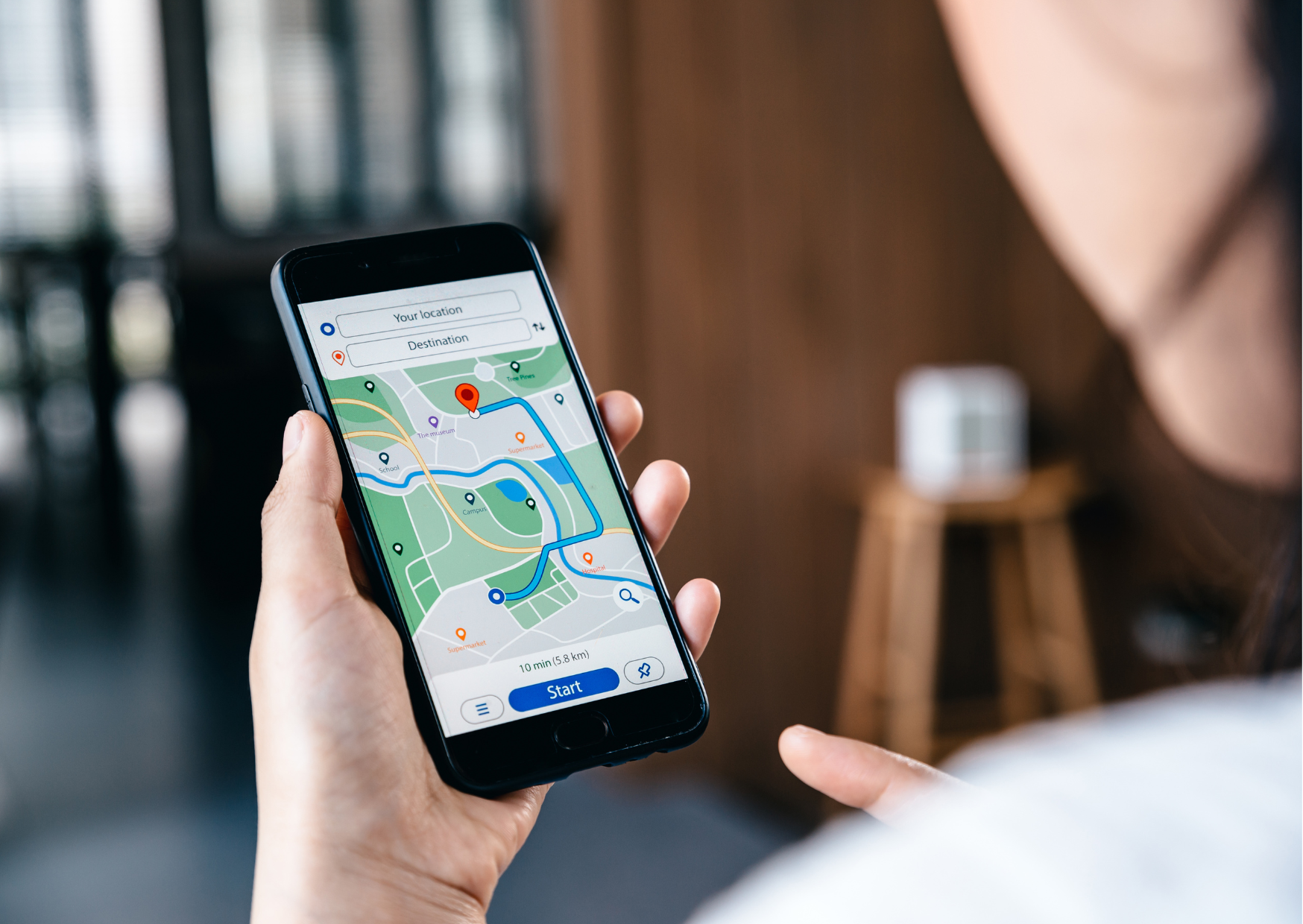
If you want rural Europe to feel easy, you need one habit: confirm the pin.
Here’s the most reliable approach, especially for rentals, rural hotels, and countryside homes:
- Ask the host for a pin, coordinates, or a Plus Code.
Google supports sharing locations via Plus Codes, which are designed to represent exact locations even where traditional addresses are weak. - Open the pin and zoom in.
Before you drive, zoom in far enough to see building shapes, a driveway, or a gate. If you can’t see a physical reference, you’re not done. - Cross-check with one other map app.
This is not about brand loyalty. It’s about sanity. If Apple Maps, Waze, or another app routes you differently for the last 10 km, pay attention. A second opinion matters most in the countryside. - Save a screenshot of the final 3 to 5 turns.
When the signal drops, screenshots still exist. It’s a low-tech trick that works. - Use “Dropped Pin” if the address is messy.
If the booking gives you a written address but it’s vague, drop a pin manually on the property entrance or where the host tells you to arrive.
This is also where Google’s “fix an address” flow exists for missing or wrong pins, but for travelers the goal is not correcting the world. The goal is arriving without drama.
If you do only one thing, do this: don’t start the drive until you can visually confirm where the destination is on the map.
If you are already stranded: what to do in rural Europe
Most stranding situations are not emergencies. They become emergencies when people panic, drive farther onto a bad track, or separate from the vehicle at night.
Here’s the calm checklist that prevents a minor situation from turning into a story you hate retelling.
1) Stop making it worse
If you’re on a narrow, rough, or private track, don’t keep pushing “just a little farther.” Turn around at the first safe spot. Rural roads can go from “fine” to “not fine” in one curve.
2) Share your location in a format that works
If you need help, send a pin, coordinates, or a Plus Code, not a written address.
Plus Codes are designed for sharing exact locations, especially where addresses are inconsistent.
If you’re on the phone, read out coordinates slowly. Don’t assume the other person can decode “we’re near the old bridge.”
3) Call the right number if it’s actually urgent
Across the EU, 112 is the single emergency number for police, ambulance, and fire services.
Even if you don’t speak the local language perfectly, operators often have language support. Use short phrases and focus on location first, then the problem.
4) Let your phone help emergency services locate you
Modern emergency systems increasingly use smartphone-derived location when you call emergency services. The EU has pushed improved caller location, including through technologies like Galileo-enabled positioning for emergency communications.
Emergency-response organizations also discuss Advanced Mobile Location (AML), where an AML-enabled smartphone can send accurate location data to emergency call-takers.
In plain terms: if you call 112 from a smartphone, you may be easier to locate than you think. That’s another reason not to wander off without your phone.
5) Don’t rely on “extra apps” as your only plan
Some emergency services in some places accept what3words, but it’s not universal. It can be helpful as a backup, not as your primary location strategy.
Your primary should be a pin, coordinates, or a Plus Code, because it’s built into the maps app you already have.
Your first week fix: make rural navigation boring
This is the part that changes everything. You don’t need a new personality. You need a setup week.
If someone is moving around Europe, renting cars, booking rural stays, or scouting retirement towns, this is the 7-day routine that prevents stranding.
Day 1: Set up offline maps for your next region
Download the offline area you’ll be driving through. Google provides step-by-step instructions for offline maps on both Android and iOS.
Do this on Wi-Fi. Name the map. Update it before it expires.
Day 2: Build a power plan
Buy or pack a 10,000 mAh power bank and a reliable cable. In Europe, a decent one typically runs €20 to €35. Keep it charged.
Make sure your rental car actually charges your phone. Some USB ports barely maintain power. Test it on day one.
Day 3: Create a “destination confirmation” habit
Before every drive to a new place:
- Open the destination
- Zoom in until you see the building or entrance
- Confirm the town and postal code
- Save a screenshot of the final turns
This takes two minutes. It prevents 90 minutes of chaos.
Day 4: Learn the local address cues
In Spain and Portugal, learn the words that show up in rural directions:
- km markers
- “s/n” (no number)
- “urbanización,” “bairro,” “aldeia,” “lugar,” “sitio” style locality markers
These cues explain why the app is confused. That awareness lowers stress immediately.
Day 5: Save a second navigation app
You don’t need to switch loyalty. You need redundancy.
When Google gets weird, a second map app can confirm whether you’re being routed onto a track you shouldn’t be on. The goal is cross-checking, not debate.
Day 6: Store your location-sharing shortcuts
Practice sharing a pin and copying a Plus Code while you’re calm.
Plus Codes are built into Google Maps location panels.
If you ever need to communicate your location quickly, you don’t want your first attempt to be during an argument on a roadside.
Day 7: Decide your “no” rules for roads
Write down a simple rule set and stick to it:
- No unpaved roads at night
- No “shortest route” that saves 4 minutes but adds risk
- No driving into snow, fog, or mountain conditions without local confirmation
- No continuing when the route stops making physical sense
The boring route wins. Every time.
The choice this forces you to make
Americans often move through Europe assuming convenience will behave like it does in the U.S.
Rural Europe asks for a different skill: navigation resilience.
You can keep trusting the first autocomplete result and hope you’re lucky. Or you can treat location as data, not text, and arrive calm.
The second option is not romantic. It is quietly empowering.
Because the point of being in rural Europe is not to prove you can suffer through a map glitch. The point is to enjoy the place you came for, without spending your first night stranded, hungry, and furious in the wrong village.

About the Author: Ruben, co-founder of Gamintraveler.com since 2014, is a seasoned traveler from Spain who has explored over 100 countries since 2009. Known for his extensive travel adventures across South America, Europe, the US, Australia, New Zealand, Asia, and Africa, Ruben combines his passion for adventurous yet sustainable living with his love for cycling, highlighted by his remarkable 5-month bicycle journey from Spain to Norway. He currently resides in Spain, where he continues sharing his travel experiences with his partner, Rachel, and their son, Han.